
For millions of people, artificial intelligence still means opening a chatbot, typing a question and receiving an answer.
That was an important stage of AI adoption, but it may not be where the biggest practical change happens.
The more interesting shift is from **AI that tells you what to do** toward **AI that can help carry out a sequence of digital tasks across the tools you already use**.
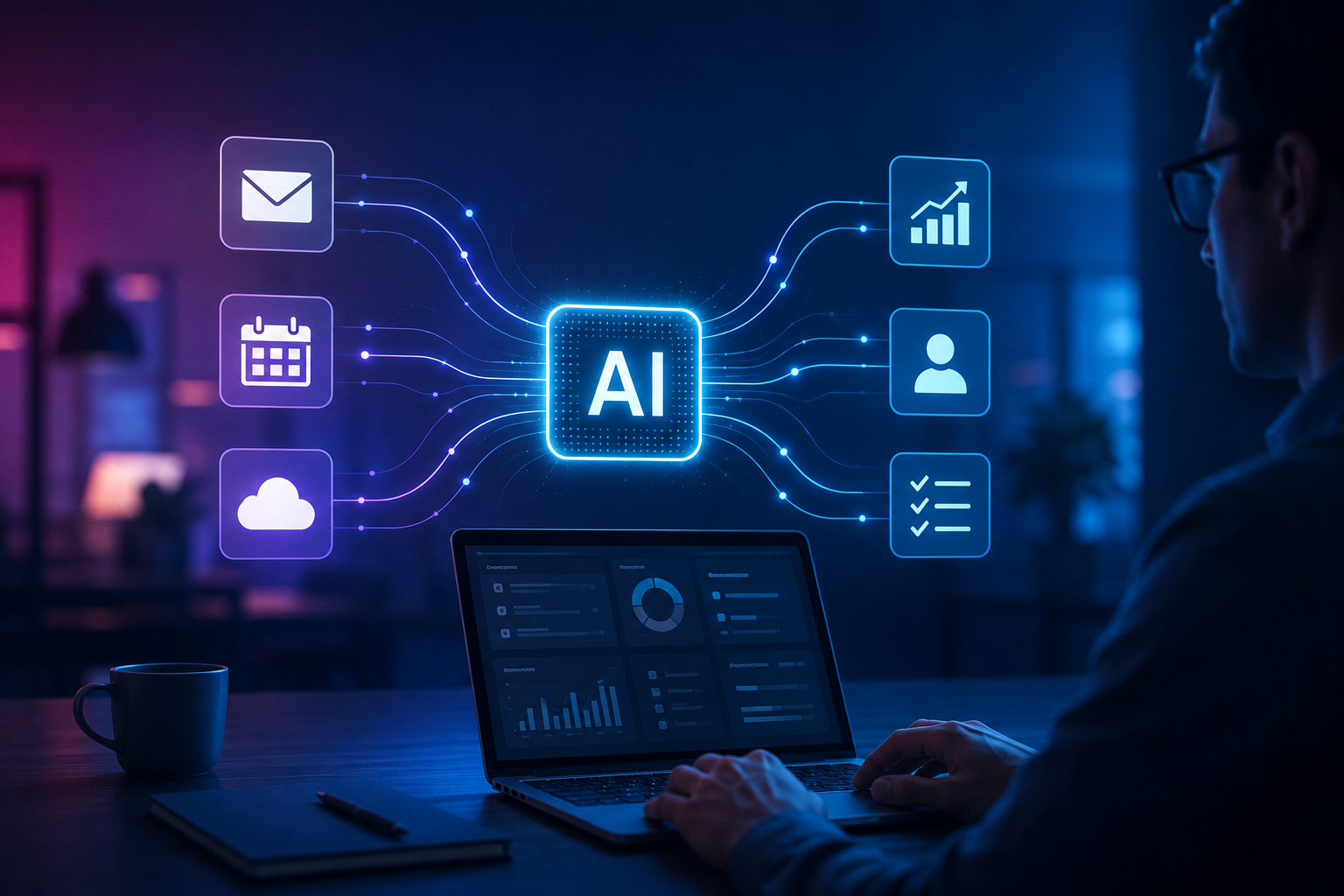
Imagine asking an AI system to prepare for tomorrow’s client meeting. Instead of simply suggesting an agenda, an appropriately connected system could potentially gather permitted information from your calendar, organize relevant documents, summarize previous communication and prepare a draft briefing for your review.
The important change isn’t a smarter conversation.
It is the movement from **answer generation to workflow assistance**.
## Today, Humans Still Connect Most of the Steps
Consider a simple business enquiry.
A potential customer completes a form on a company’s website.
Someone may then need to:
check the enquiry → understand the requirement → enter information into a CRM → assign it to a salesperson → prepare a response → schedule follow-up → update the status.
Businesses have spent years automating individual parts of processes like this.
The problem is often everything **between** those automated parts.
Information has to move from one application to another. Someone needs to interpret it, decide what happens next and initiate another action.
This is an area where AI-assisted workflows are becoming particularly interesting.
—
## Traditional Automation and AI Automation Aren’t the Same
Traditional automation usually works best when rules are predictable.
For example:
**If a customer submits Form A → send Email B.**
That’s useful and reliable.
But real business situations aren’t always that clean.
A customer may write:
> “We need approximately 200 units initially, but if the sample works we may need substantially more next month. Can somebody call tomorrow afternoon?”
A fixed automation can store that message.
An AI-assisted system may also be able to interpret that the enquiry contains a potential future order, a sample requirement and a preferred follow-up period.
That doesn’t mean AI should automatically make every decision.
It means software can potentially understand more of the **unstructured information** that previously required human reading.
—
# What Does “AI Agent” Actually Mean?
The term **AI agent** is increasingly used across the technology industry, sometimes very loosely.
At a practical level, think of the concept as software that can potentially:
**understand a goal → determine necessary steps → use authorized tools → evaluate intermediate results → continue toward the goal.**
A normal chatbot might tell you how to arrange a meeting.
A connected AI system could, depending on its capabilities and permissions, inspect calendar availability, suggest appropriate slots and prepare the meeting invitation.
That difference is significant.
But giving software the ability to take actions also introduces risks that don’t exist when it merely generates text.
—
## The Real Opportunity Is Between Applications
Most companies don’t operate from one piece of software.
They may have:
* Email
* CRM
* Accounting software
* Project management tools
* Customer support platforms
* Cloud storage
* Analytics dashboards
* Calendars
* Internal databases
Employees frequently act as the bridge between them.
They copy information.
They check whether something happened.
They summarize one system for another person.
They update statuses.
They create repetitive reports.
This “digital glue work” can consume considerable time without necessarily being the highest-value part of someone’s job.
AI combined with software integrations could reduce some of that manual coordination.
—
# A Future Monday Morning Could Look Very Different
Imagine a sales manager returning to work on Monday.
Today, the first hour might involve opening several applications:
email → CRM → advertising dashboard → calendar → project tool.
Now imagine an AI assistant preparing a briefing:
**12 new enquiries arrived over the weekend.**
**3 require urgent responses.**
**2 existing customers asked about delivery.**
**One meeting scheduled for today has an unresolved support issue.**
The manager doesn’t need another chatbot conversation.
They need **organized context before making decisions**.
This is an important distinction.
The value of future workplace AI may come less from generating impressive paragraphs and more from reducing the effort required to understand what needs attention.
—
## But Should AI Be Allowed to Take Every Action?
No.
As AI gains the ability to interact with software, **permission design** becomes increasingly important.
There is a major difference between allowing AI to:
**draft an invoice**
and allowing AI to:
**approve and send payment.**
Similarly:
Drafting a customer reply may be relatively low risk.
Changing a contract could be high risk.
Summarizing an expense report is different from authorizing a financial transaction.
The more consequential the action, the stronger the case for human review, clear permissions, logging and other safeguards.
—
# Think in Three Levels: Suggest, Prepare, Execute
A useful way to evaluate AI workflows is to divide actions into three levels.
| Level | AI’s Role | Example |
| ———– | —————————– | ————————————- |
| **Suggest** | Recommends an action | “These five enquiries appear urgent.” |
| **Prepare** | Creates something for review | Drafts responses for those enquiries |
| **Execute** | Performs an authorized action | Sends approved responses |
Many businesses may find significant value at the **Prepare** level without immediately allowing autonomous execution.
That is important because AI adoption doesn’t need to mean giving software unrestricted control.
—
## Errors Become More Serious When AI Can Act
If a chatbot gives you a bad paragraph, you can delete it.
If an autonomous system performs the wrong action inside business software, the consequences can be larger.
AI systems can misunderstand instructions, work with incomplete context or generate incorrect conclusions.
There are also concerns around:
**privacy, cybersecurity, access permissions, data quality, accountability and auditability.**
Businesses therefore need to think about AI automation differently from ordinary productivity software.
The question shouldn’t only be:
**“Can AI automate this?”**
It should also be:
**“What happens if AI gets this wrong?”**
—
# AI May Change Software Interfaces Too
There is another interesting possibility.
Today, people learn where buttons, menus and settings are located inside dozens of applications.
Future software may increasingly allow users to express an objective rather than manually navigating every step.
Instead of opening five reports and applying filters, someone might request:
**“Show me which products had rising enquiries but falling conversion during the last four weeks.”**
The AI layer could potentially coordinate the underlying tools required to produce that analysis.
Traditional interfaces won’t disappear overnight, but natural-language interaction may become another way of controlling complex software.
—
## Humans May Move From Operators to Supervisors
For many office tasks, the long-term change may not simply be:
**Human work → AI work**
A more realistic transition could be:
**Human manually performs every step → AI prepares more steps → human reviews exceptions and important decisions.**
That changes the skill required.
Knowing how to operate software will still matter, but so will knowing:
* what should be automated,
* what requires verification,
* when AI lacks context,
* which actions need approval,
* and when a human must take control.
That is a much more meaningful AI skill than simply knowing clever chatbot commands.
—
# The Next AI Competition May Be About Actions, Not Answers
Chatbots made AI visible to ordinary users.
The next stage may make AI less visible.
Instead of spending all day talking to an AI assistant, people may experience AI quietly organizing information, preparing work and connecting different parts of their digital workflow.
The most useful AI may eventually be the AI you don’t need to constantly chat with.
But greater capability also requires greater responsibility.
Businesses should adopt these systems based on **usefulness, permissions, reliability and risk**, rather than assuming every process should become autonomous.
AI’s future may therefore be less about producing a better answer to:
**“What should I do?”**
and more about helping humans safely move from:
**“This needs to be done”**
to:
**“It’s prepared. Please review and decide.”**
## FAQs
### Will AI agents replace normal business software?
Not necessarily. AI is more likely to work with existing software and provide new ways to coordinate or interact with it.
### Are AI agents the same as chatbots?
Not exactly. A chatbot primarily interacts through conversation, while agent-like systems may also use authorized tools and perform multi-step actions.
### Should businesses allow AI to make decisions automatically?
It depends on the risk. High-impact financial, legal, safety or customer decisions generally require stronger controls and appropriate human oversight.
### What business tasks are suitable for AI-assisted workflows?
Repetitive information processing, summarization, classification, drafting and preparation tasks can be good candidates when privacy, accuracy and access requirements are properly addressed.
### Will humans still be necessary?
Yes. As AI systems take on more routine digital work, human judgment, accountability, verification and exception handling can become even more important.