
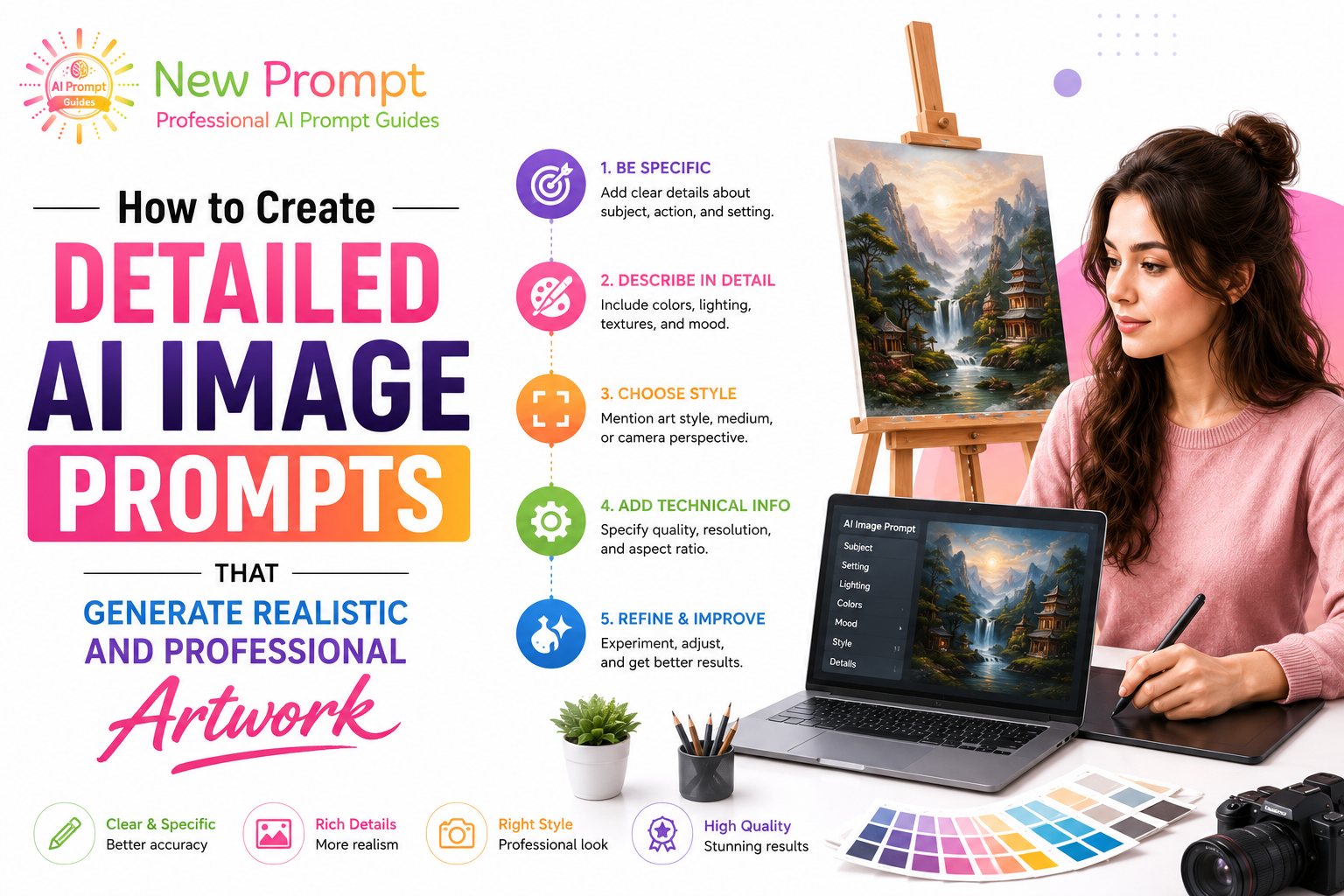
Creating realistic and professional AI-generated artwork requires detailed, well-structured prompts. This comprehensive guide teaches you how to craft effective image prompts that produce high-quality, professional results with models like Flux, Midjourney, and Stable Diffusion.
Core Elements of Professional Image Prompts
1. Subject Description
Provide a clear, detailed description of the main subject including appearance, pose, expression, clothing, and distinctive features.
2. Environment and Setting
Describe the location, time of day, weather, and surrounding elements to create context and atmosphere.
3. Lighting and Mood
Specify lighting conditions (golden hour, dramatic, soft diffused) and emotional tone (serene, dynamic, mysterious).
4. Style and Artistic Direction
Reference artistic styles, photographers, or movements to guide the aesthetic.
5. Technical Quality Parameters
Include quality enhancers such as “highly detailed,” “sharp focus,” “8k resolution,” and “masterpiece.”
Professional Image Prompt Structure
“[Detailed subject description], [pose and expression], [clothing and details], [environment and setting], [lighting and atmosphere], [artistic style or references], [technical quality], highly detailed, sharp focus, intricate details, 8k resolution, masterpiece, best quality.”
Practical Examples
Example 1: Realistic Portrait
“A confident 28-year-old woman with elegant features and long wavy auburn hair, wearing a tailored black business suit, standing in a modern minimalist office with large windows, natural daylight, professional corporate portrait photography, shot on Canon EOS R5, soft lighting, sharp focus on face, highly detailed skin texture, 8k resolution, masterpiece.”
Example 2: Cinematic Landscape
“Dramatic mountain landscape at sunrise with mist in the valleys, golden light illuminating snow-capped peaks, crystal clear alpine lake in foreground, cinematic composition, volumetric lighting, photorealistic, highly detailed, 8k resolution, national geographic style, masterpiece.”
Example 3: Product Visualization
“Minimalist wireless earbuds in matte black finish with metallic accents, floating elegantly on a clean reflective white surface, soft studio lighting with subtle highlights, commercial product photography, highly detailed textures, sharp focus, 8k resolution, professional advertising style, best quality.”
Advanced Techniques
- Use specific artist or photographer references
- Specify camera, lens, and film emulation for realism
- Include composition instructions (rule of thirds, leading lines)
- Use negative prompts to avoid common artifacts
- Experiment with aspect ratios for different formats
Common Mistakes to Avoid
- Being too vague in subject description
- Forgetting lighting and atmosphere details
- Overloading with conflicting styles
- Neglecting technical quality parameters
Conclusion
Creating realistic and professional AI artwork requires attention to detail and structured prompting. By following the framework and techniques in this guide, you can consistently generate high-quality images that meet professional standards.
Practice regularly, analyze successful outputs, and build your own library of effective image prompt templates. With time and refinement, you will develop the ability to translate your creative vision into stunning AI-generated artwork.
This guide contains approximately 980 words and provides practical techniques for creating detailed AI image prompts that generate realistic and professional artwork.